YALE AERON® SYSTEM ZIGBEE REMOTE
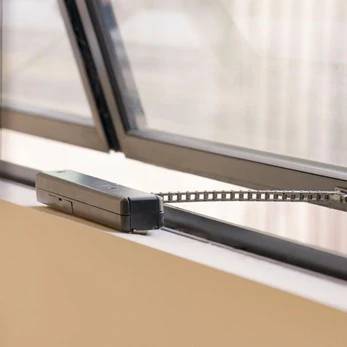
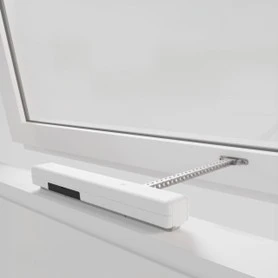
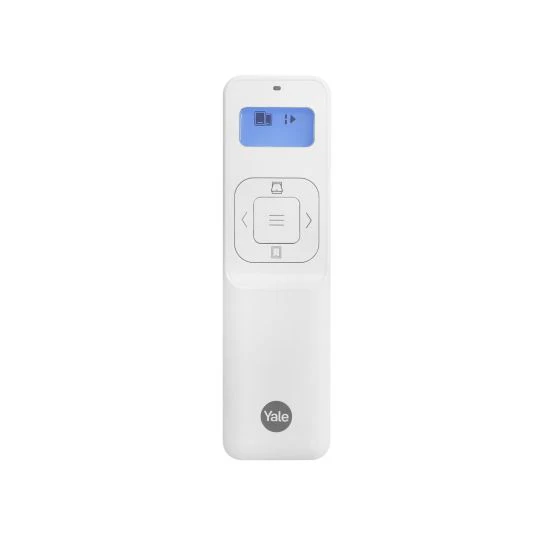
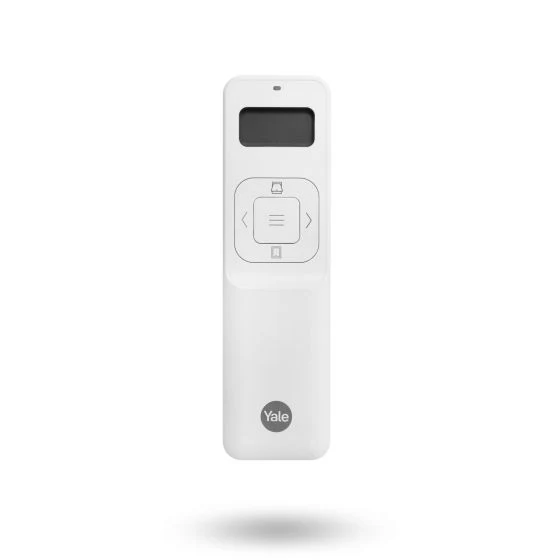
Users have the option to instantly close all windows at once when leaving the building or locking up for the night if all actuators are grouped together. Aeron® remote allows you to easily decide which window or group of windows you would like to: Open or Close. For easy installation, Remote can be set into the Engineering mode to allow installer to test the Actuators without the need of internet.
OPERATING WINDOWS
For windows to be controlled via a remote the remote must be paired with the Yale Connect Plus Hub 2. Windows can be paired to operate as a group or individually.
Scan QR code on back of the remote to get more information.
Yale Aeron® Home App Handy Tips
Applications:
- Commercial Buildings
- Residential Buildings
Benefits:
- 1.30-inch LCD interactive display gives clear visibility at day and night
- Different LED light colours and patterns for various operations (Refer to Remote Manual for detailed information)
- Auto Sleep Mode conserves battery and switches screen off
- OTA updates
- Simple pairing process
- Control up to 30 windows
- The actuators can be split into 4 groups and each group can be controlled independently
- Instantly open or close all windows
- Engineering mode to test Actuators onsite without Internet connection
- Synchronize window grouping and position from Yale Home App
- Error message lights
- Great range* enabled by connection into the Zigbee mesh network created by the Hub and all connected Actuators
- All windows are automatically assigned to G1 (Group 1). Windows need to be re-assigned to special groups as required
- Low Battery Alert
- Easy Factory reset
- Comes with Wall cradle with inbuilt magnet to mount remote on the wall
Note: Indoor use only
*Depend on the building layout and material
Specification Guide
Product Information
Product Information
Shipping & Returns
Shipping & Returns
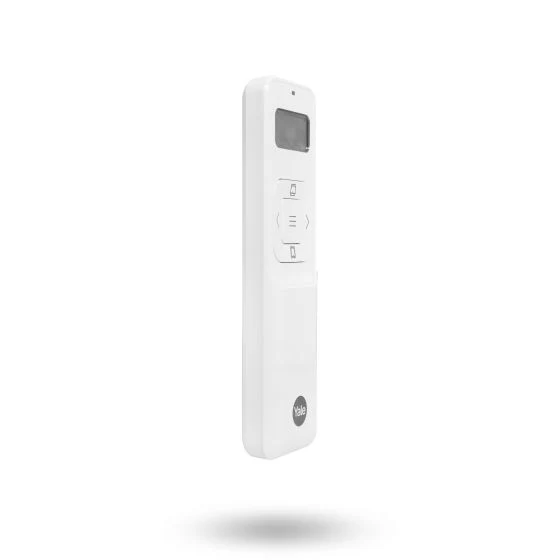
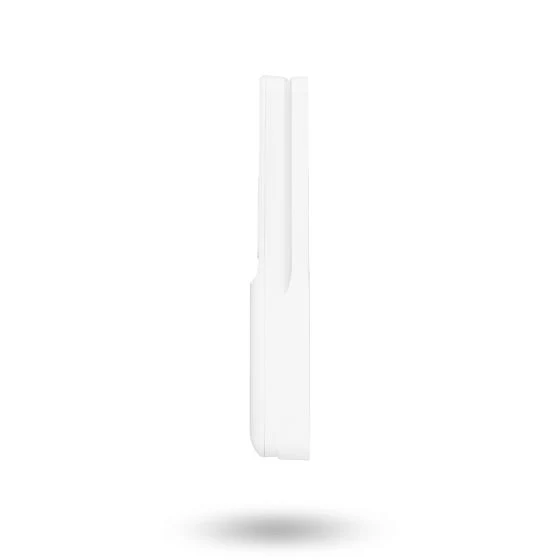
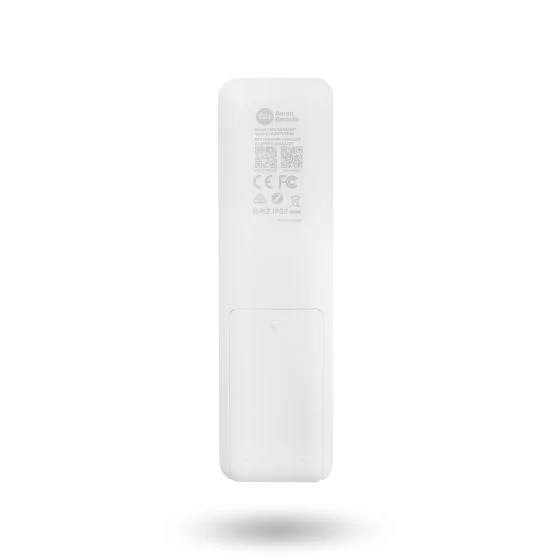
YALE AERON® SYSTEM ZIGBEE REMOTE
YALE AERON® SYSTEM ZIGBEE REMOTE
Users have the option to instantly close all windows at once when leaving the building or locking up for the night if all actuators are grouped together. Aeron® remote allows you to easily decide which window or group of windows you would like to: Open or Close. For easy installation, Remote can be set into the Engineering mode to allow installer to test the Actuators without the need of internet.
OPERATING WINDOWS
For windows to be controlled via a remote the remote must be paired with the Yale Connect Plus Hub 2. Windows can be paired to operate as a group or individually.
Scan QR code on back of the remote to get more information.
Yale Aeron® Home App Handy Tips
Applications:
- Commercial Buildings
- Residential Buildings
Benefits:
- 1.30-inch LCD interactive display gives clear visibility at day and night
- Different LED light colours and patterns for various operations (Refer to Remote Manual for detailed information)
- Auto Sleep Mode conserves battery and switches screen off
- OTA updates
- Simple pairing process
- Control up to 30 windows
- The actuators can be split into 4 groups and each group can be controlled independently
- Instantly open or close all windows
- Engineering mode to test Actuators onsite without Internet connection
- Synchronize window grouping and position from Yale Home App
- Error message lights
- Great range* enabled by connection into the Zigbee mesh network created by the Hub and all connected Actuators
- All windows are automatically assigned to G1 (Group 1). Windows need to be re-assigned to special groups as required
- Low Battery Alert
- Easy Factory reset
- Comes with Wall cradle with inbuilt magnet to mount remote on the wall
Note: Indoor use only
*Depend on the building layout and material
Specification Guide
Original: $145.00
-70%$145.00
$43.50Product Information
Product Information
Shipping & Returns
Shipping & Returns
Description
Users have the option to instantly close all windows at once when leaving the building or locking up for the night if all actuators are grouped together. Aeron® remote allows you to easily decide which window or group of windows you would like to: Open or Close. For easy installation, Remote can be set into the Engineering mode to allow installer to test the Actuators without the need of internet.
OPERATING WINDOWS
For windows to be controlled via a remote the remote must be paired with the Yale Connect Plus Hub 2. Windows can be paired to operate as a group or individually.
Scan QR code on back of the remote to get more information.
Yale Aeron® Home App Handy Tips
Applications:
- Commercial Buildings
- Residential Buildings
Benefits:
- 1.30-inch LCD interactive display gives clear visibility at day and night
- Different LED light colours and patterns for various operations (Refer to Remote Manual for detailed information)
- Auto Sleep Mode conserves battery and switches screen off
- OTA updates
- Simple pairing process
- Control up to 30 windows
- The actuators can be split into 4 groups and each group can be controlled independently
- Instantly open or close all windows
- Engineering mode to test Actuators onsite without Internet connection
- Synchronize window grouping and position from Yale Home App
- Error message lights
- Great range* enabled by connection into the Zigbee mesh network created by the Hub and all connected Actuators
- All windows are automatically assigned to G1 (Group 1). Windows need to be re-assigned to special groups as required
- Low Battery Alert
- Easy Factory reset
- Comes with Wall cradle with inbuilt magnet to mount remote on the wall
Note: Indoor use only
*Depend on the building layout and material
Specification Guide